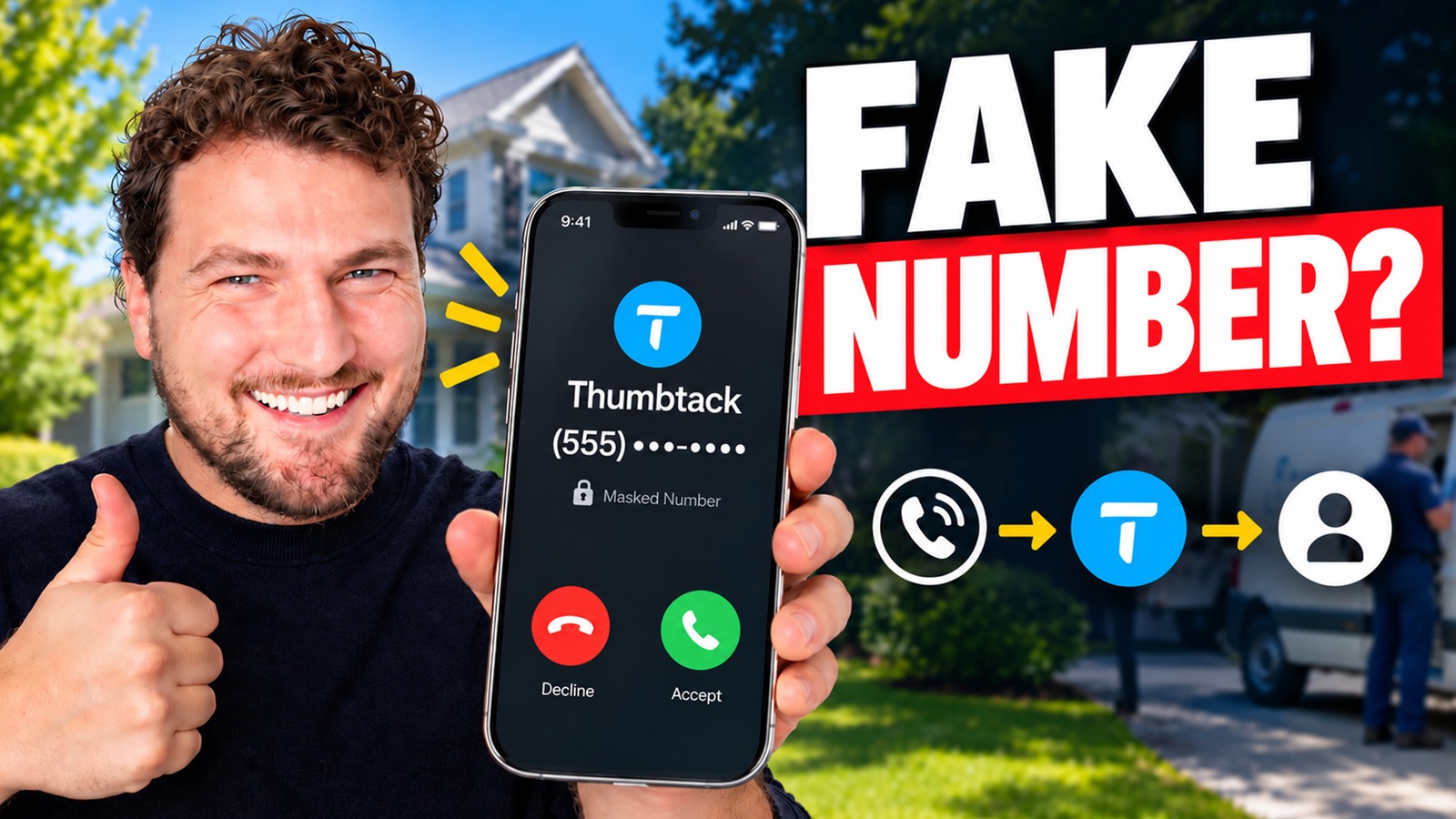
Quick Answer
tl;dr: Thumbtack masked phone numbers route calls and texts to the customer’s phone without revealing their personal number. Register every number your team uses to call or text leads under Settings → Registered phone numbers in Thumbtack Pro. This helps your outreach go through without a 7-digit access-code prompt.
You just purchased a Thumbtack lead. You click on it and instead of seeing the customer's cell phone number, you see a number that belongs to Thumbtack. Do you call it? Are you sure the customer is receiving your text? Or are you about to waste your best opportunity to win the job?
Yes, Thumbtack numbers are real, working numbers. When you call or text one, Thumbtack routes the call or message to the customer's phone. The catch is that you have to register the phone numbers you use to call and text from. If you skip that step, Thumbtack may ask for a 7-digit access code before connecting you or sending your message.
Here's a guide on how Thumbtack numbers work, why it's important to register your numbers, and the steps you need to take in your Thumbtack Pro dashboard to register your numbers.
Take a quick look at the video below for an overview by Bryan Shankman, LeadTruffle's co-founder and CEO, or read on for the full details.
What Is a Thumbtack Masked Phone Number?
A Thumbtack masked phone number (Thumbtack calls them "Thumbtack Numbers") is a phone number assigned to a lead by Thumbtack. It is a substitute for the customer's personal number. Call or text it and Thumbtack connects you to the customer.
It's like dialing a company's main line. You call a telephone number and the system links you to the individual you're trying to reach. Thumbtack is in the middle and connects your business with the lead.
The main difference from an office line is that it handles SMS too. So, when you hear "masked number," think of a working number that gets you to a person without showing their cell phone number. You continue to have a regular conversation. There's only one routing step in between.
How Do Thumbtack Numbers Work for Calls and Texts?
If you receive a new lead and want to ask a few questions about the job, here's what happens:
- Calling: You call the customer's Thumbtack number, and Thumbtack will put you in touch with the customer.
- Texting: You text the Thumbtack number, and the customer gets it as a regular text message.
- Replies: It is a two-way path. Once the customer calls or texts back, Thumbtack routes the call or message to your business.
There are a couple of things to expect:
- Caller ID: The customer may see "Thumbtack" rather than the name of your business. Say who you are and what company you're with in the first line of every call and text, so the customer knows it's you.
- Recorded calls: Calls through Thumbtack numbers are recorded. You and the customer hear a notice at the start of the call.
Does a Thumbtack Number Reach a Real Customer?
Yes. One of the most common misconceptions Bryan hears from LeadTruffle customers is that they won't actually reach the person if they call or text the Thumbtack number.
That's not the case. Personal numbers remain private using masking. It's not that you are dealing with a fake customer or an automated assistant. After you register your phone numbers, sending a message through a Thumbtack number is as easy as sending a text message to the lead's personal cell phone.
The Two Phone Numbers You Need to Keep Straight
Each Thumbtack conversation involves two different numbers:
| Number | What it is | Where it comes from |
|---|---|---|
| The customer's Thumbtack number | The number you call or text to reach the lead | Thumbtack assigns it to the lead |
| Your business phone number | The number you call or text from | You register it with Thumbtack |
Registering your business number lets Thumbtack know, "This is a phone number that my business uses for communication with customers." Once Thumbtack knows, your calls and texts go straight through.
Why Most Businesses Have More Than One Outbound Number
This is where things get tricky day to day. Imagine a typical HVAC company:
- Your Thumbtack account is set up using your own cell phone.
- Your office manager follows up on leads from the office line.
- Your team communicates with Thumbtack leads via your CRM (customer relationship management software, your business tool that helps you manage customers and jobs).
That's all three different numbers calling the same leads. So ask: when do we actually call or text a Thumbtack lead, what number do we use?
Record the answer. For some businesses, it's one number. For others, it's three or five. Calling from one number and texting from another means both count. All numbers on the list must be registered.
What Happens If You Use an Unregistered Number?
If you reach out to a Thumbtack lead from a phone number you haven't registered, Thumbtack may request your business's 7-digit access code.
- On a call: You will be asked for the code before being connected. It works, but it's cumbersome, and everyone on your team needs to have the code handy.
- On a text: Thumbtack may request the code before sending your original message.
That delay wastes time on a lead you've paid for. Several pros may be in contact with the same Thumbtack customer, and speed to lead can be a deciding factor for the job. Having numbers registered early means that no one on your team hits that barrier when a new lead comes in. For the next step, see Bryan's guide to AI lead response workflows for home service businesses.
If you use software to follow up on Thumbtack leads, include its outbound phone numbers on your registration list. LeadTruffle's Thumbtack integration helps you respond to and follow up with leads automatically. Register any numbers your team uses to call or text those leads directly, so your outreach goes through without an access-code prompt.
How to Register Your Phone Numbers on Thumbtack
This will only take a couple of minutes. Once signed into your Thumbtack Pro account:
- Click your profile picture in the top right corner.
- Choose Settings.
- Click on Registered phone numbers in the menu on the left. The following page lists all numbers you have already registered.
- Click on Register new number.
- Type in the telephone number.
- Label it clearly, such as "CSR 1," "Owner cell," or "CRM texting line," so you know whose number it is later.
- Register the number.
Do the same for each number in your list.
Who Belongs on Your Thumbtack Registered Phone Numbers List?
Think about everyone, and everything, that follows up on Thumbtack leads:
- You, from your own cell
- Each CSR (customer service rep) or office staff member
- Your primary business or office line
- Any software that calls or texts leads such as your CRM or automation software.
Any person or system who contacts Thumbtack leads should have their number on this page.
Keep Your Profile Phone Number Up to Date
During the settings process, ensure that your Thumbtack profile has an updated business phone number. With that number, Thumbtack can provide leads with a way to call your business, which is why you should avoid using an old number.
Thumbtack Numbers Checklist: Before Your Next Lead
- Include all of the numbers your business uses to call and text leads.
- Add each of these under Settings, and Registered phone numbers.
- Put each number on its own label indicating who and/or what it belongs to
- Make sure that the business phone number listed on your profile is up to date
- Check whether your CRM or other applications register outbound numbers automatically
- Encourage staff to identify themselves and their company at the start of every call and text
Can You Get the Customer's Real Phone Number?
Yes, if the customer chooses to share it. Many LeadTruffle customers ask for the customer's direct number after booking the job, so scheduling and updates are easier. Thumbtack also says pros and customers can exchange direct contact information once they connect, if both sides prefer communicating outside the platform.
Until then, keep using the Thumbtack number. Thumbtack tracks communication through these numbers, and that tracking supports its automatic refunds and lead disputes.
How to Make the Most of Your Thumbtack Leads
Registering your numbers solves the "will my message even go through?" problem. The next challenge is speed and follow-through. If a Thumbtack lead doesn't get a response for an hour, they may already have heard from another pro. If you want to build a simple first-reply workflow, follow Bryan's Thumbtack auto-reply automation guide using Zapier and Twilio.
This is what LeadTruffle was created to do. Its AI auto responder for Thumbtack leads replies within seconds inside Thumbtack, asks the right qualifying questions and passes the baton to your team when a person needs to get involved. It can also follow up automatically with leads who go silent and sync with the CRM you already use.
However, if you're still contemplating how to distribute your lead budget, LeadTruffle's comparison of Yelp vs. Thumbtack for contractors compares lead quality and cost.
Thumbtack Numbers FAQs
What Are Thumbtack Numbers?
A Thumbtack number is a number assigned by Thumbtack to each lead which is masked to protect privacy. When you call or text it, Thumbtack forwards the call or text to the customer's actual phone without revealing their personal phone number.
Does Calling or Texting a Thumbtack Number Reach the Customer?
Yes. Calls ring to the customer's phone and text messages are sent as normal text messages. Customers respond back to your business in the same way. If you register your outbound numbers, then everything will be smooth.
Why Is Thumbtack Asking Me for a Code?
You're probably calling or texting from a number that isn't registered with Thumbtack. Thumbtack requests your business's 7-digit access code to verify it's you. Register that phone number under Settings, then Registered phone numbers, to avoid the prompt.
Where Do I Find My Thumbtack Access Code?
Your 7-digit access code is in your Thumbtack Pro settings, on the Registered phone numbers page. When each number is registered it's unlikely you will need it again.
Do Thumbtack Numbers Expire?
No. Thumbtack numbers are permanent and don't expire, so you can follow up with a past lead using the same number.
Are Calls Through Thumbtack Numbers Recorded?
Yes. When calling using a Thumbtack number, both the caller and the customer hear a notice at the beginning of the call, and calls are recorded.
Will Thumbtack Refund a Lead That Doesn't Respond?
Thumbtack may automatically refund eligible leads if the customer doesn't respond to any pro within 72 hours of submitting their request. Your first contact must be through a Thumbtack number or Thumbtack messaging, and other eligibility conditions apply. Check Thumbtack's Fair Shot Refund policy for the full terms.
The Bottom Line
Thumbtack masked phone numbers are a routing step between you and the customer. Register all the numbers you call or text from and label them clearly, so your outreach goes through without an access-code prompt.
Take two minutes to do it before the next Thumbtack lead comes in. If this kind of breakdown is useful, I send one of these every week. Join the newsletter and I'll walk you through the next one.